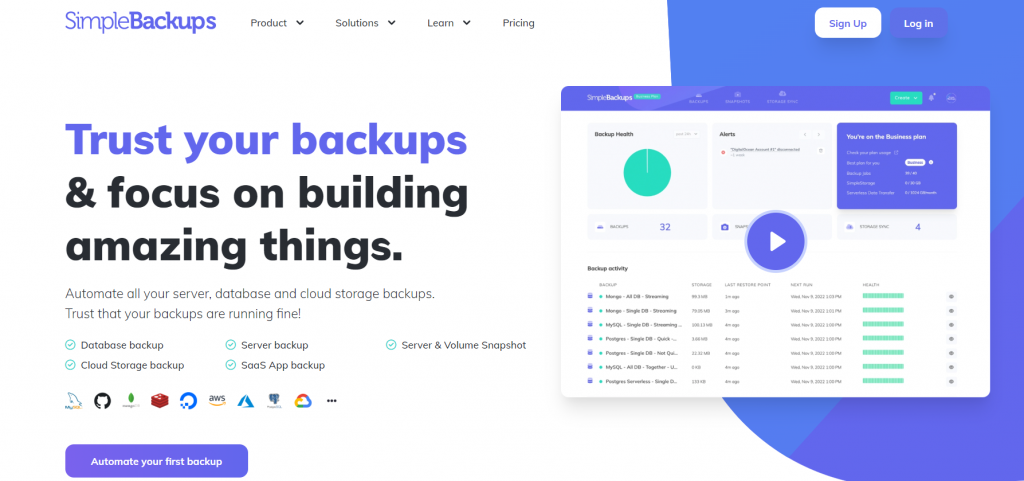

Due to the fact that they offer a practical means of achieving backup and storage, cloud storage solutions are extremely popular nowadays. Although most network or cloud storage systems currently support automatic backups, many users find backups to be uninteresting and would rather prioritize other, more pressing activities. Whenever brand-new files of a specific type are saved in pre-specified directories, for instance. Automatic backups not only save time but also guarantee that you will always have the most recent version of the files available.
Given organizations, it’s crucial that standard backup solutions are simple to set up and cost-effective for the level of security they provide. You should also think about how much data you need to back up and how quickly you require access to the data in case of an emergency when selecting a solution.
Benefits of Cloud Storage Explained
A service called “cloud storage” enables people and businesses to store their data on distant servers that can be accessed from any location with an internet connection. Companies that specialize in offering cloud storage, such as Amazon Web Services, Microsoft Azure, and Google Cloud, maintain and operate these servers.
One of the main benefits of cloud storage is that it allows users to access their data from any device with an internet connection, making it easy to share files and collaborate with others.
Additionally, cloud storage providers typically offer a wide range of storage plans, allowing users to choose the right amount of storage to meet their needs.
The scalability of cloud storage is another important advantage. Users can quickly upgrade to a larger plan as their storage requirements increase. This contrasts with conventional storage options like hard discs and local servers, which can fill up quickly and need expensive upgrades.
Due to the fact that data is kept on servers that are maintained and managed by qualified experts, cloud storage also provides a high level of security. Typically, these servers are housed in secure data centers that are fortified with firewalls, encryption, and intrusion detection systems, among other security measures.
Cloud storage also provides a number of other advantages in addition to these. Saving money is one of the biggest benefits, as customers only pay for the storage they actually utilize. For small enterprises and groups with a tight budget, this can be a huge advantage.
Simple data backup and recovery is another benefit of cloud storage. Users can simply save several copies of their data using cloud storage, adding to their protection against data loss in the event of a disaster or other unforeseen incident.
Additionally, cloud storage makes it simple for companies to work with remote staff. Team members can effortlessly exchange and access files via cloud storage, even if they are working from separate places. Businesses with workers working remotely or in multiple time zones may find this to be a significant advantage.
Cloud storage is a flexible and effective option that may help people and businesses of all sizes. It is the best solution for storing and distributing data in the modern digital era because of its scalability, security, and cost savings.
When selecting a cloud storage provider, it’s crucial to take privacy and security threats into account. The amount of security and data privacy offered by different suppliers varies. It’s crucial to conduct your own research and pick a service provider that suits both your needs and your budget. Furthermore, it’s crucial to read the privacy statement and terms of service to comprehend how your data will be handled and preserved.

How to secure cloud storage
Implementing numerous safeguards to guard data against unauthorized access, security breaches, and other security concerns as part of securing cloud storage. The following are some essential actions to consider when safeguarding cloud storage:
Choose the right provider: The level of security offered by different cloud storage companies varies. It’s crucial to pick a service provider who satisfies your unique security requirements and has a solid reputation for security and data privacy.
You should consider factors such as:
Lack of security
Limited storage space
Limited file size
Limited bandwidth
High costs
Limited features
Integration
Compliance
Bad customer service
Location
You should know where your cloud provider stores your data because in a different country is your “data protection” under different regulations. It’s always important to research and compares different cloud storage providers before making a decision.
Encryption: Before being uploaded to the cloud, data can be protected from illegal access by being encrypted. AES or RSA are only two examples of the many encryption techniques that can be used for this.
Access Control: Implementing access control measures, such as user authentication and role-based access control can help to ensure that only authorized individuals are able to access data in the cloud.
Multi-factor Authentication: The login procedure can be made more secure by enabling multi-factor authentication, making it more challenging for attackers to gain illegal access.
Regularly monitoring and Audit: Regularly monitoring the activity logs of your cloud storage account, and conducting regular security audits, can help to identify potential security threats and respond quickly to them.
Data Backup: Regularly backing up important data can help to ensure that it is not lost in the event of a security breach or other disaster.
Employee education and awareness: It’s critical to inform staff members about the possible dangers of cloud storage and how to utilize it safely.
Use of VPN: Using a virtual private network (VPN) to connect to cloud storage can help to protect data as it is transmitted over the internet.
Employ security software: To help defend cloud storage from outside threats, use security software such as firewalls, anti-virus programs, intrusion detection systems, and other security tools.
You may assist in securing your cloud-based data by putting these and other security measures in place to keep it safe and only available to authorized users. There are various other methods that can be used to secure cloud storage, in addition:
Data loss prevention (DLP): DLP solutions can be used to locate and stop sensitive data from being uploaded to the cloud, such as credit card and social security numbers.
Regular software updates: Keeping all software, including the cloud storage platform and any related applications, updated with the latest security patches can help to protect against known vulnerabilities.
Network segmentation: Segmenting the network and limiting access to cloud storage resources can help to reduce the attack surface and prevent unauthorized access.
Identity and Access Management (IAM): IAM solutions can be used to manage and control access to cloud storage resources, ensuring that only authorized users have access to sensitive data.
Disaster Recovery: In the case of a sudden incident, such as a natural disaster or cyberattack, having a disaster recovery plan in place can help to quickly restore data.
Compliance: If your organization is subject to any compliance regulations, such as HIPAA or PCI-DSS, make sure that the cloud storage provider meets those regulations.
Regular security assessment: Regularly performing security assessments, penetration testing, and vulnerability scans can help to identify and address potential security issues before they can be exploited by attackers.
Use of cloud access security broker (CASB): CASB solution can be used to monitor and control access to cloud storage, and detect and prevent security threats.
By implementing these and other security measures, organizations can significantly reduce the risk of data breaches and unauthorized access to cloud storage resources, helping to protect sensitive information and maintain compliance with regulations
In conclusion, cloud storage is a very flexible and effective option that has several advantages.
It is the best alternative for storing and sharing data in the modern digital era due to its scalability, security, cost savings, and ease of data backup and recovery.
Cloud storage may improve how you manage and protect your data, as well as how easily you work with others, whether you are an individual or a corporation.